
Phone and tablet
Android
Requirements
- Android 7.0 (Nougat) or later
Installation
- 1Open the Google Play listing with the button below.
- 2Tap Install and wait for the download to finish.
- 3Open NAHPU from your app drawer or home screen.
Get started
NAHPU is free, open source, and runs on Android, Apple devices, Linux, and Windows. Install it on a phone, a tablet, a laptop, or a desktop, whichever is with you, then follow the Quick Start to build your first project.
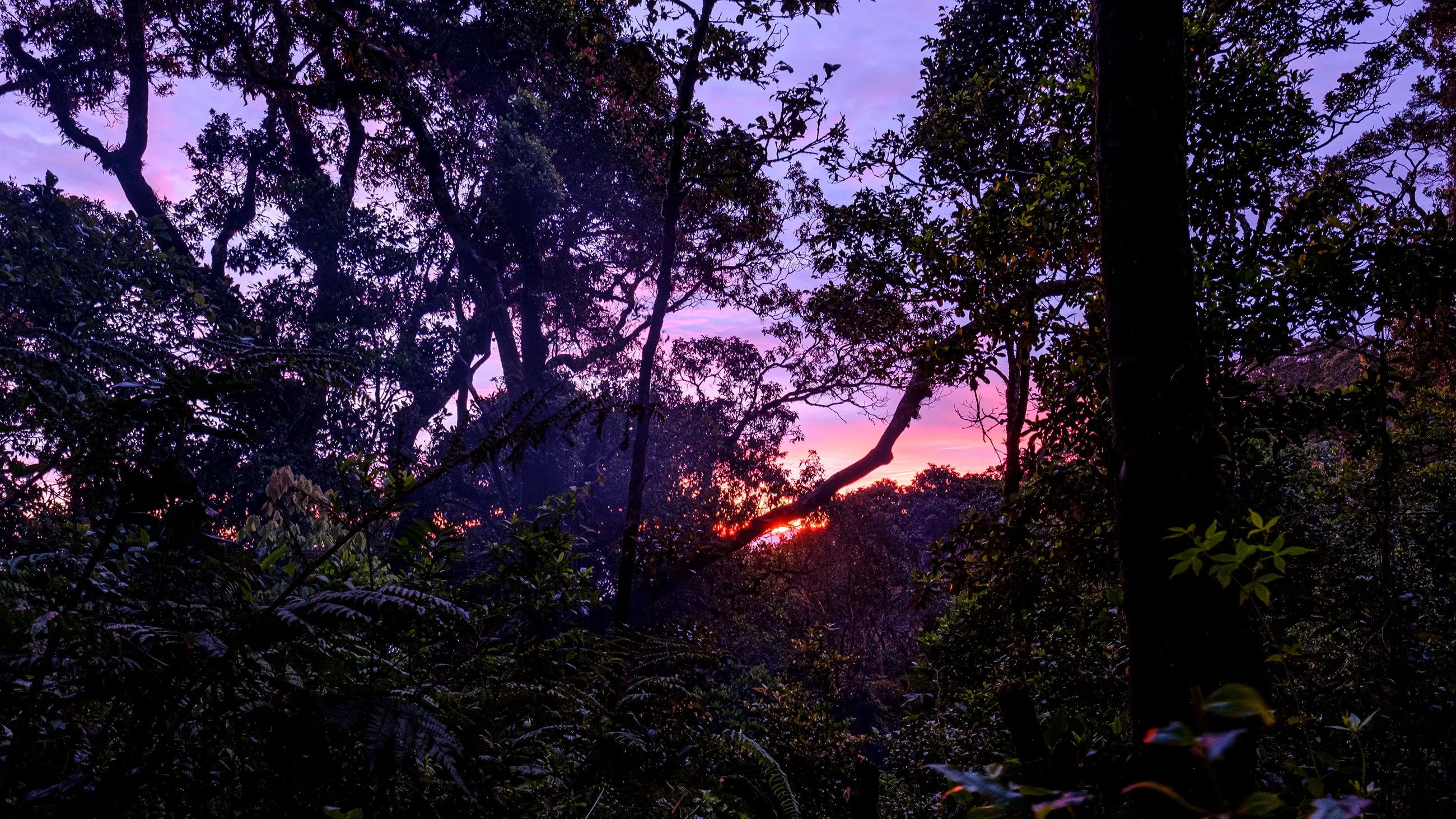
Taken at Mt. Gede by Heru Handika.
Latest release
Version 1.1.0 adds the Ichthyology catalog format in beta: record a fish as an individual or as a lot, measure the individuals in a lot, and link tissues and parasites to the fish they came from. It also adds tissue ID suffixes, and conductivity and dissolved oxygen saturation for collecting events.
Version 1
Version 1 is available now on every platform. If something looks wrong, please report it on GitHub.
The codename comes from NAHPU’s first real-world field test on Mt. Gede in West Java, Indonesia. The mountain also exemplifies the importance of biodiversity inventories, and the need for tools like NAHPU that aim to accelerate the discovery and documentation of biodiversity. Despite the mountain’s close proximity to Jakarta, the world’s most populous city, and to Indonesia’s largest natural history museum, MZB, undescribed species continue to be discovered there (noted in Esselstyn et al., 2014 and Demos et al., 2017).
Install NAHPUStep 1
Every platform installs the same catalog and reads the same project files, so you can start on a phone and continue on a desktop. Downloads always point at the latest release.
Requirements
Installation
Requirements
One App Store listing serves iPhone, iPad, and Mac. Apple detect and install the version for your device.
Installation
Requirements
Installation
curl -fsSL https://nahpu.app/install.sh | bashnahpu in a terminal.Requirements
Installation
Looking for an older build or the release notes? Every version is listed on the NAHPU releases page. The full guide also lives in the installation documentation.
Step 2
With the app installed, the next step is the Quick Start in the documentation introduction. It takes you from a fresh install to a project you can trust in the field.
The setup wizard on the home screen walks you through field identifiers and the controlled vocabularies your team uses. Setup is done once and can be shared with everyone else.
A project holds the specimens, sites, collecting events, samples, and media of one expedition or season. Start one in the lab with a real specimen before you rely on it in the field.
The Quick Start in the documentation introduction links the Day 1 guide, best practices, and the device notes for fieldwork, in the order they are useful.